Step 01 of 05 · TemplateChoose your card
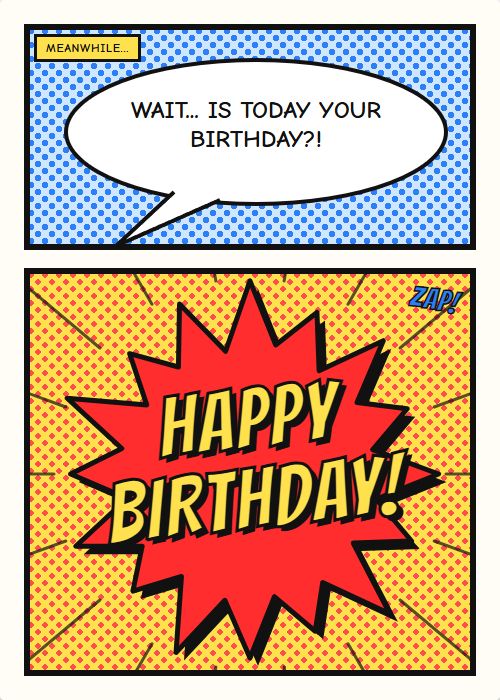
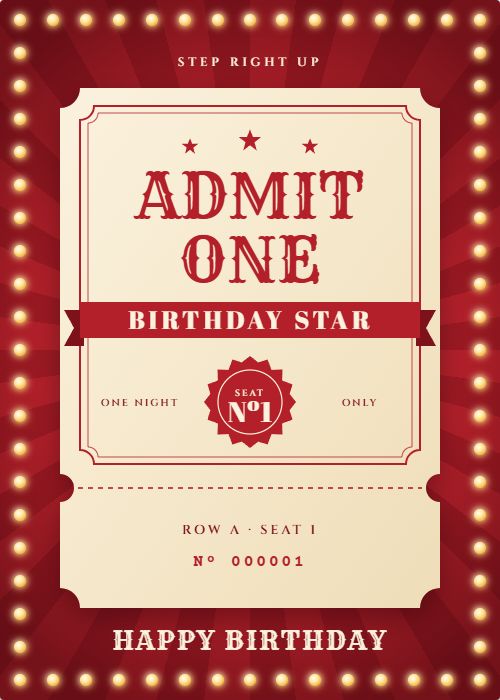
Start from one of 198 templates across 44 occasions. Search by name, or filter by occasion and style. You can also open a saved design, start blank, or import your own artwork from Canva.
- Templates198
- Occasions44
- Or start fromMy designs, Blank, Canva
Step 02 of 05 · Recipient and giftSay who it’s for, and add a gift card
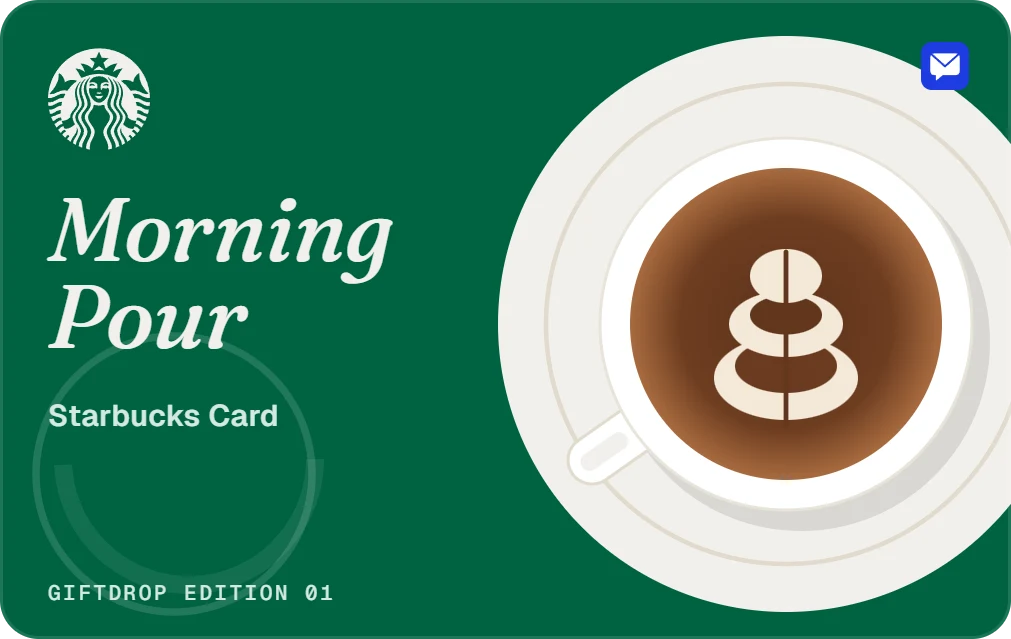
Type their name and choose email or a text message. Send it as soon as you pay, or schedule a date and time. Attach a gift card from brands like Amazon, Starbucks and Target if you like; the platform fee shows before you pay. Or switch to Group card, so others can sign before it goes.
- DeliveryEmail or text
- WhenNow or scheduled
- Gift cardOptional, values vary by brand
- FromJust you, or a group card
Step 03 of 05 · EnvelopePick your envelope
Choose the envelope colour and the liner that shows when the flap opens. Pick a seal, from heart, wax seal, sticker, monogram or none, and its colour. To and From go on the front, and From is the name on your account.
- ColourPresets or any colour
- Seal5 styles
- FrontTo and From
Step 04 of 05 · Card designMake it personal
Design the front cover, inside left and inside right. Write your message or start from a message starter, then add photos, stickers, shapes, frames and dividers, or change the background. Record a voice or video message if you want them to hear you.
- SurfacesFront, inside left, inside right
- ToolsText, photos, stickers, shapes
- ExtrasVoice or video message
Step 05 of 05 · PreviewPreview it, then send
Watch the envelope open and the card unfold exactly as they will. Check the recipient, the delivery and every line of the cost, then pay by card through Stripe. For a group card, you get a link to share once you pay.
- PreviewEnvelope, seal, card
- PaymentCard, through Stripe
- Group cardA link to share after you pay